Introduction
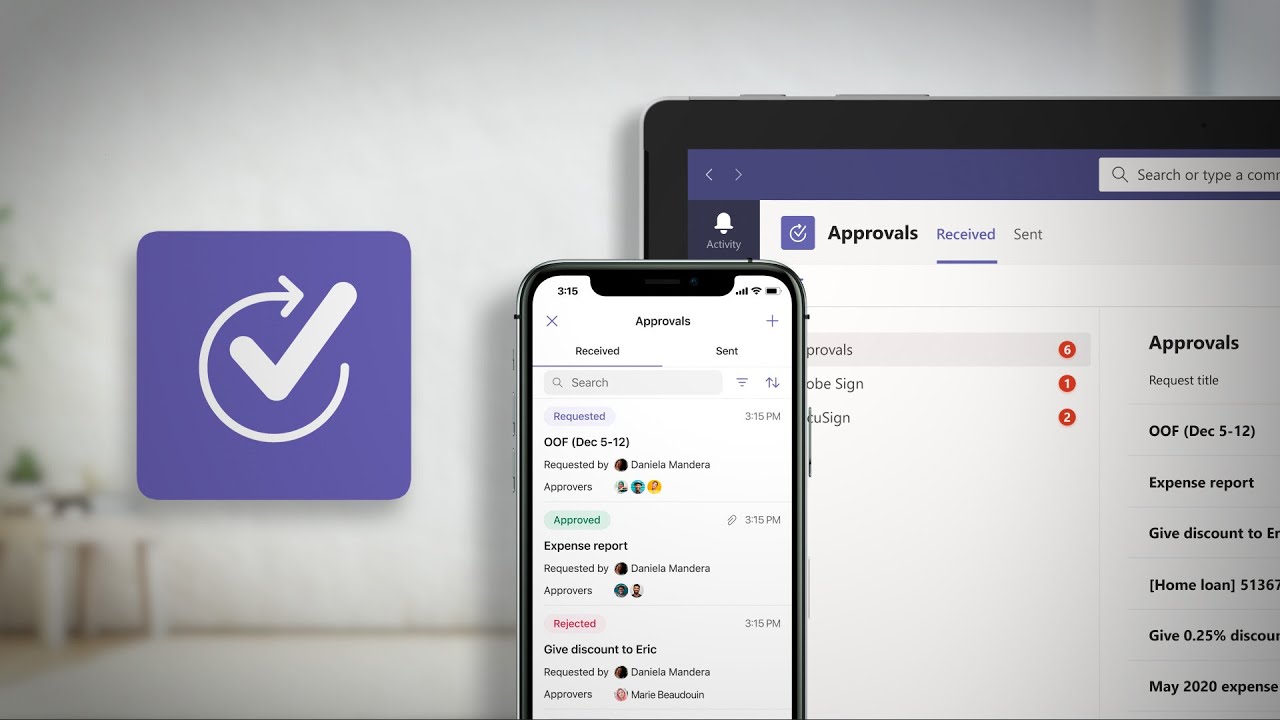
The Approvals app in MS Teams is the most straighforward tool for tracking of approval requests. It allows users to submit a request to one or several people for approval. Approval templates are used to predefine a list of approvers, approval stages, questions, or requirements for attachments.
Problem
All approval requests, created in the MS Teams Approvals app, only allow approvers to respond in MS Teams. No emails are sent are sent as a result of approval requests submitted via the Approvals app. Moreover, there are no settings in MS Teams that would give us the option to enable email notifications.
Solution
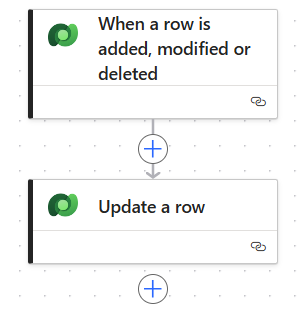
Email notifications can be turned on with a simple Power Automate flow that leverages the dataverse connector.
The Dataverse connector is premium, therefore a Power Automate license is required.
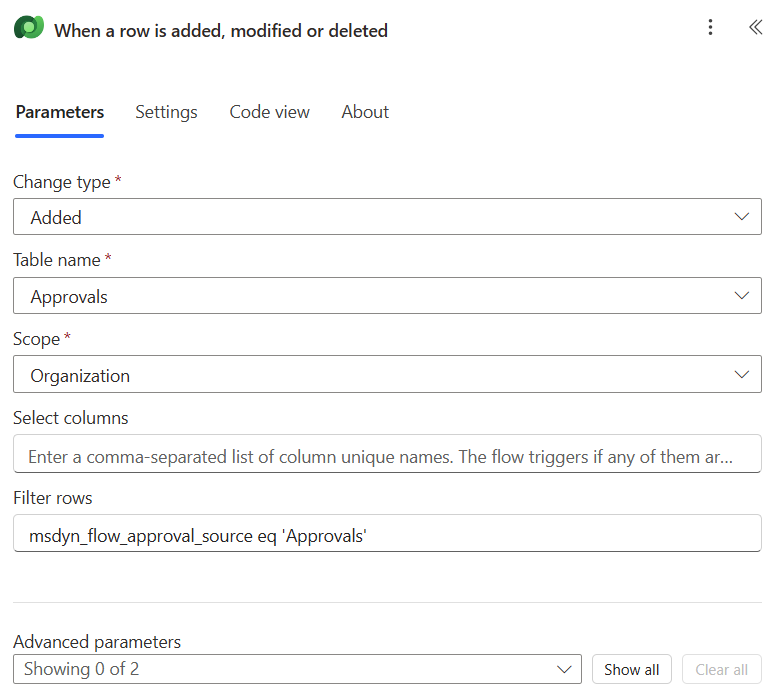
Filter rows:
msdyn_flow_approval_source eq 'Approvals'
Trigger
The trigger of the flow pickes up all approvals initiated from the Approvals app. This means that approval request started by Power Automate or SharePoint aren’t affected.
Action
Select the approval from the trigger:
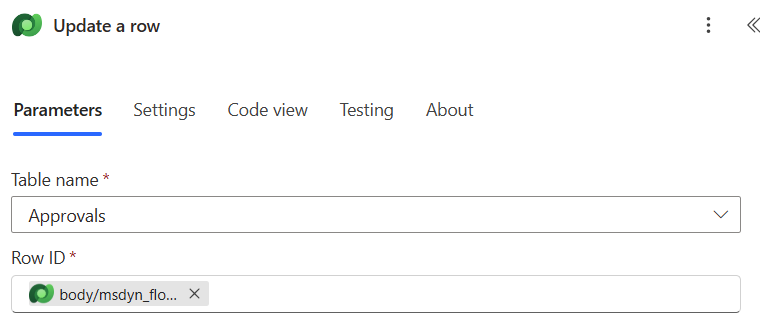
Row ID:
@{triggerOutputs()?['body/msdyn_flow_approvalid']}
Change the value of Send Email notification field to Yes:
